Your connections
Two laptops each connect over USB-C, sharing two external screens. The laptop port must support the video output required by this model; a USB-C connector alone is not enough.
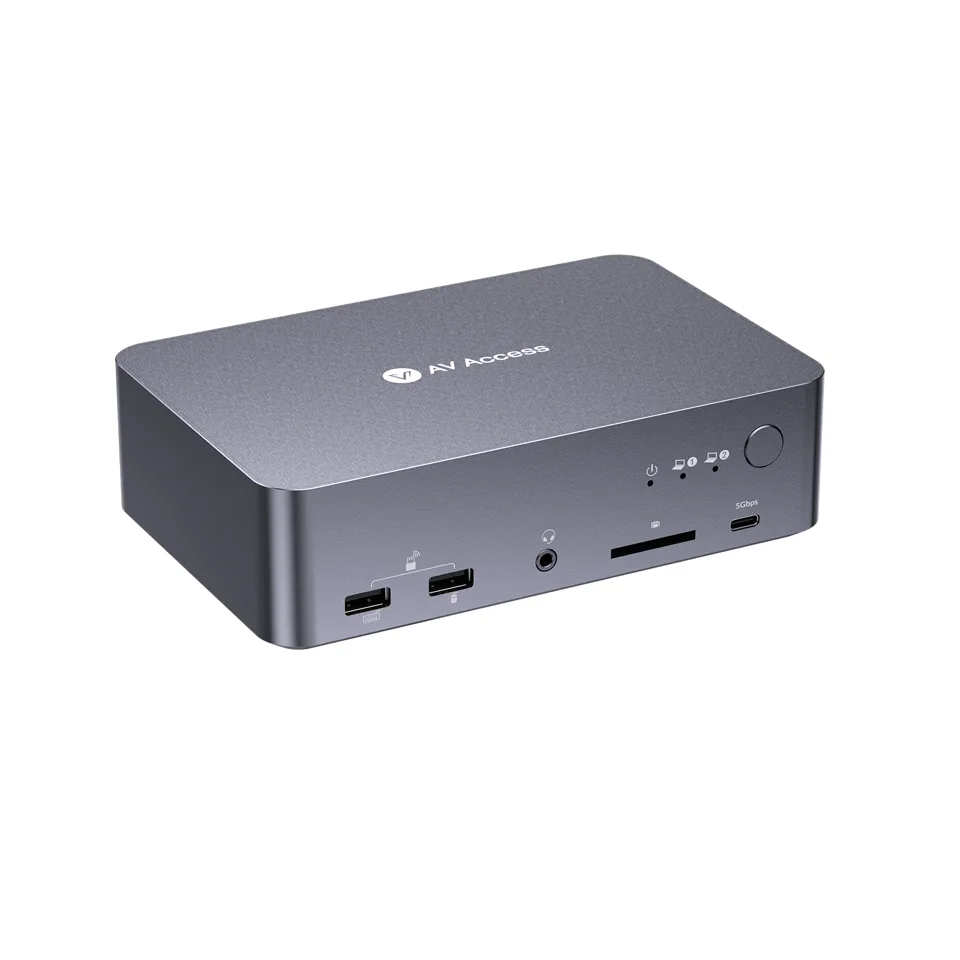
AV Access / Everyday work
Two laptops, one workspace.
From $233.99 USD
US listing checked November 10, 2026. Check availability. Taxes, shipping and current availability: confirm with the seller.
Check current manufacturer pricemacOS duplicates the two external displays over MST. Price is for the base iDock C20 option, not the remote bundle.
Manufacturer specifications, not hands-on test results. Maximum modes depend on the full setup.Pay for what you use.
Our value assessment interprets the listed connections and use case. It does not establish manufacturing cost, durability or tested performance.
What the price buys
You pay for a dock and a KVM switch in one device: two USB-C hosts sharing two screens at 4K 60 Hz, suited to a desk built around two laptops.
A clearer connection.
You pay for a dock and a KVM switch in one device: two USB-C hosts sharing two screens at 4K 60 Hz, suited to a desk built around two laptops.
Worth it if two laptops with video-capable USB-C ports share your desk and you want both on one workspace through a single combined device. Skip it if you need independent dual screens from a Mac, since macOS duplicates them over MST, or if only one computer uses the desk.
macOS duplicates the two external displays over MST. Price is for the base iDock C20 option, not the remote bundle.
Complete your setup.
A connection checklist for the iDock C20. Start with what you own.
Two laptops each connect over USB-C, sharing two external screens. The laptop port must support the video output required by this model; a USB-C connector alone is not enough.
Not confirmed. Check the exact package contents on the official listing.
USB-C cables only if the listing confirms the type needed. On macOS, the two external screens duplicate over MST. The listed price is the base option, not the remote bundle.
Optional upgrade: monitor arms or desk organization, only if your current stands and layout do not meet your needs. Check weight, VESA and desk attachment.
Verify package and connection diagram Explore setup accessoriesKeep exploring.
A starting shortlist. Check the connection requirements before choosing.
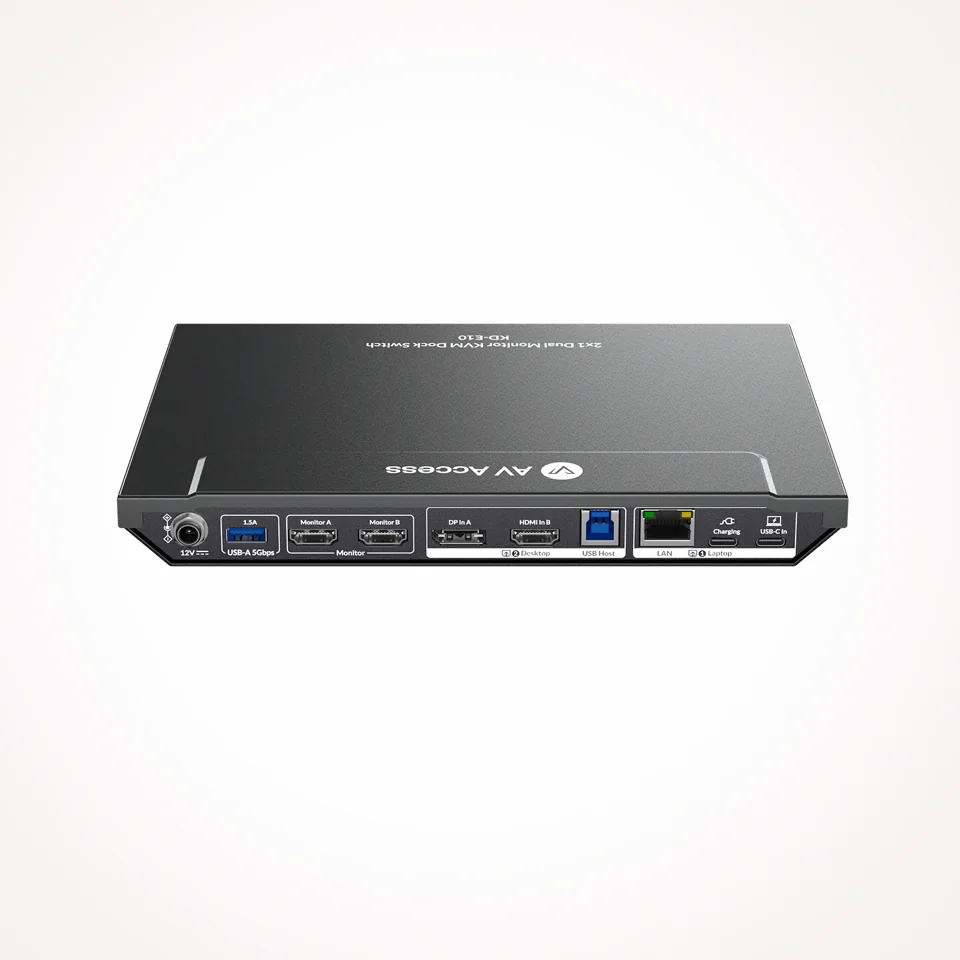 AV Access
Your laptop meets your desktop.
$152.99 USD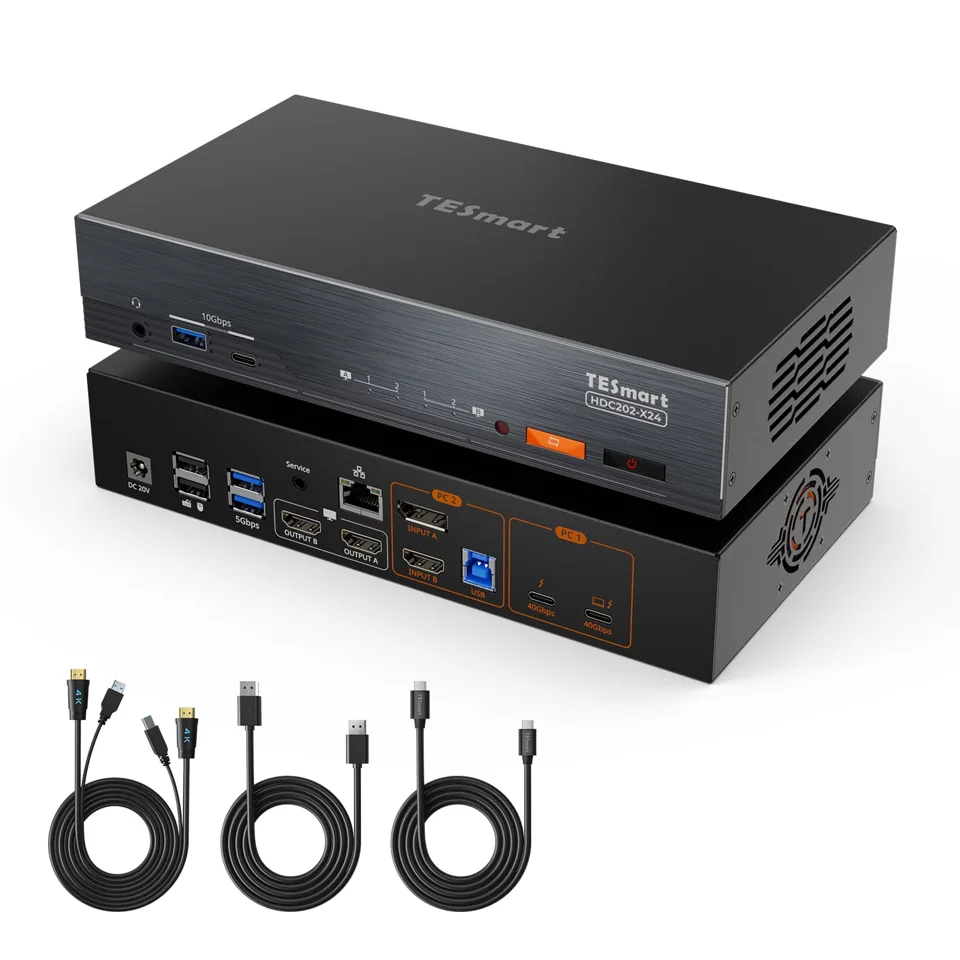 TESmart
A Thunderbolt hybrid workstation.
$699.00 USD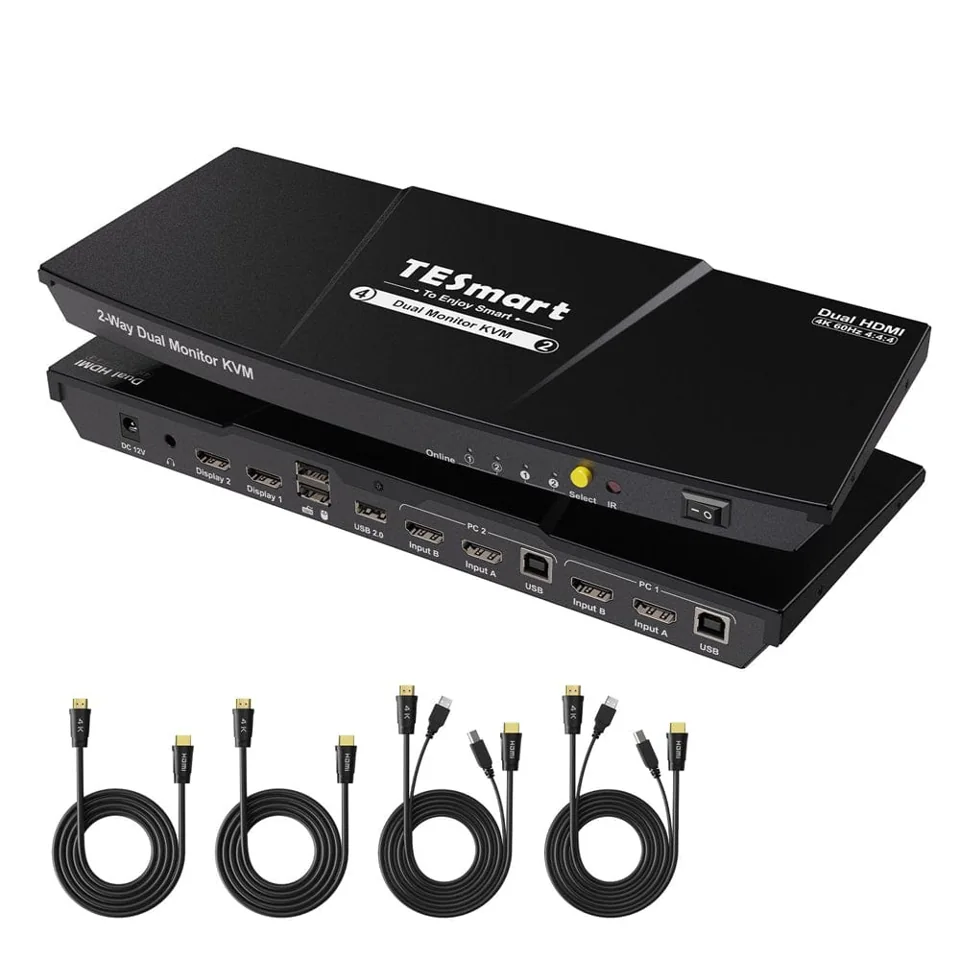 TESmart
A dedicated dual-screen desk.
$199.99 USDOptional personalization stores a preference and viewed model IDs in this tab’s session storage. This personalization history is not uploaded. Turn it off to clear it. Privacy details