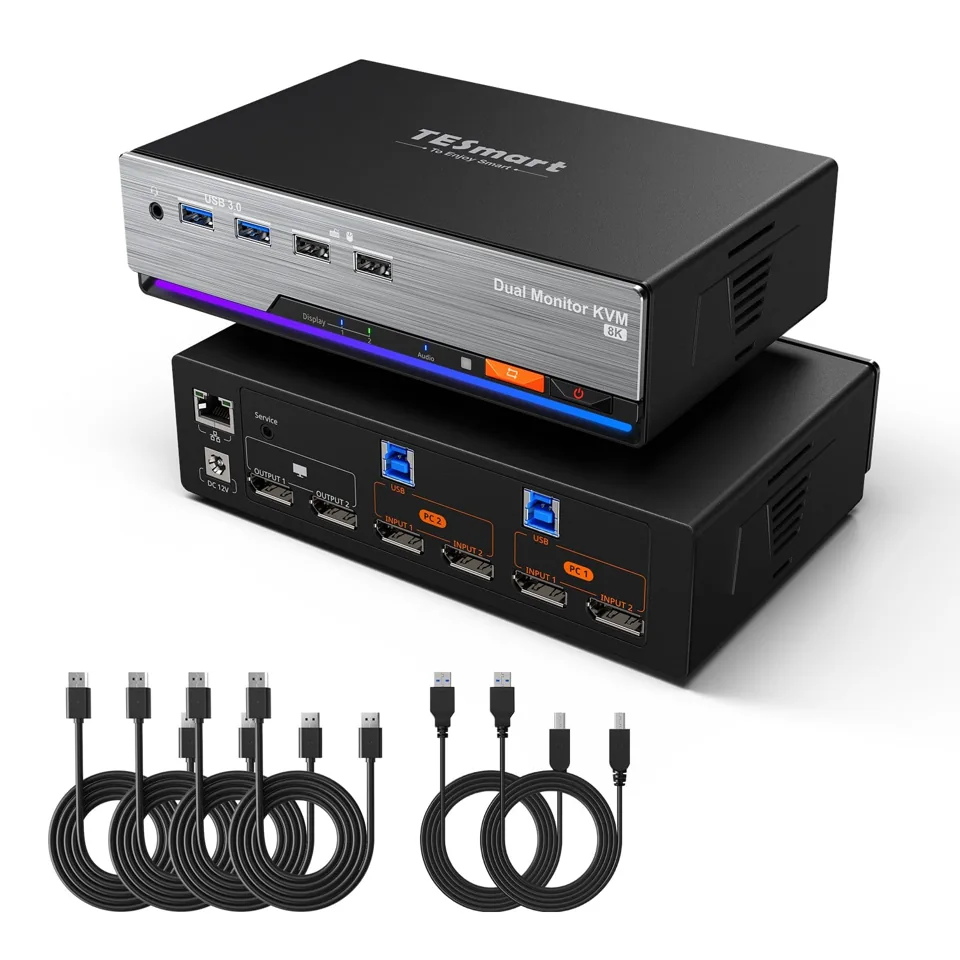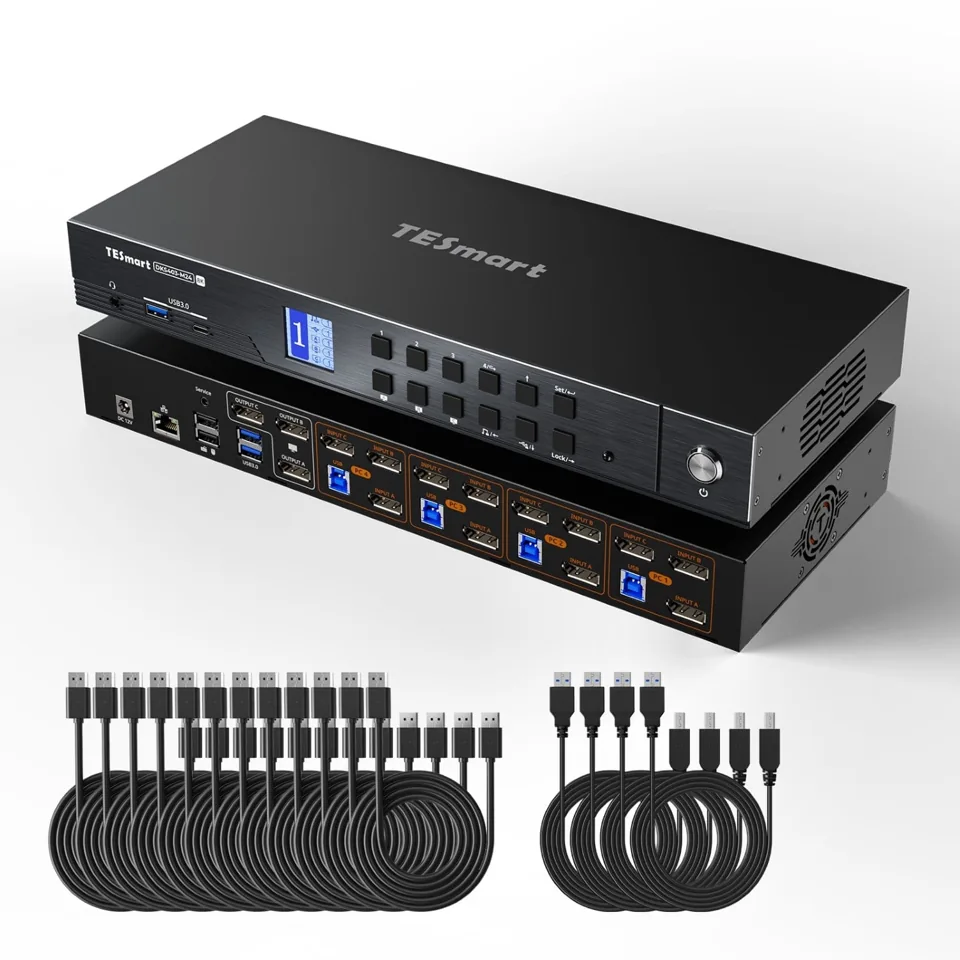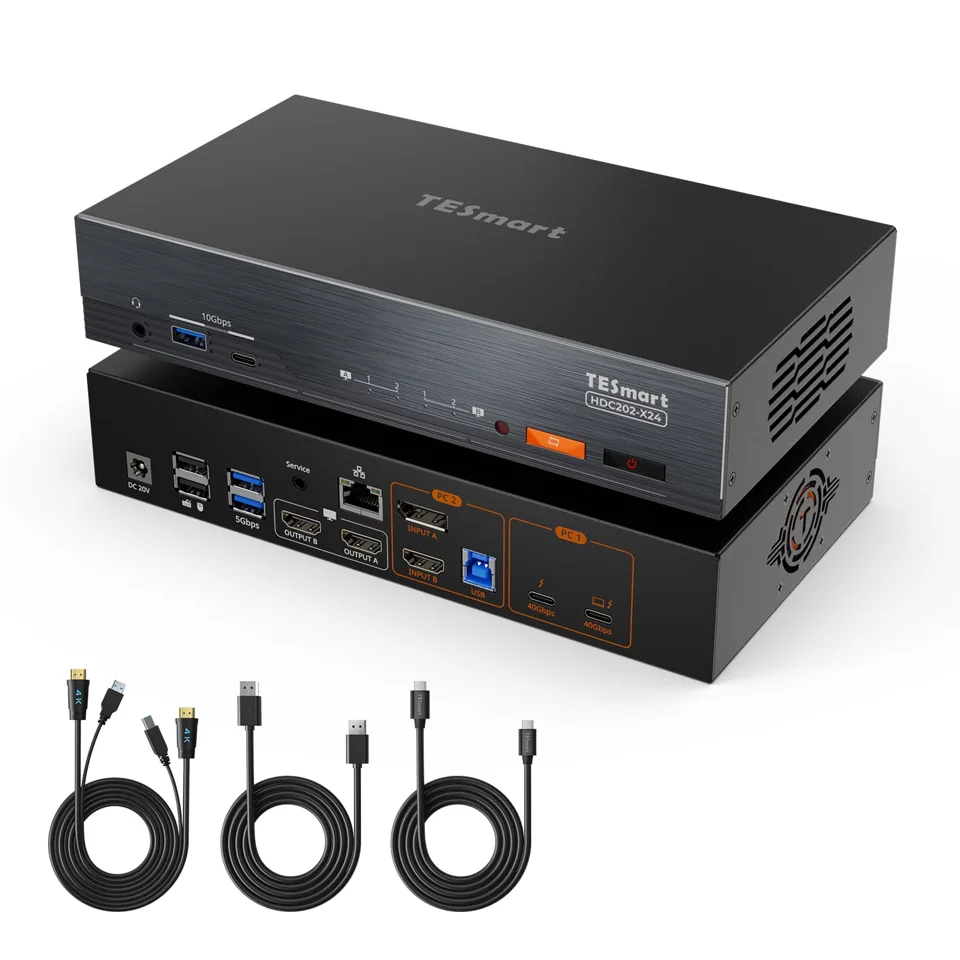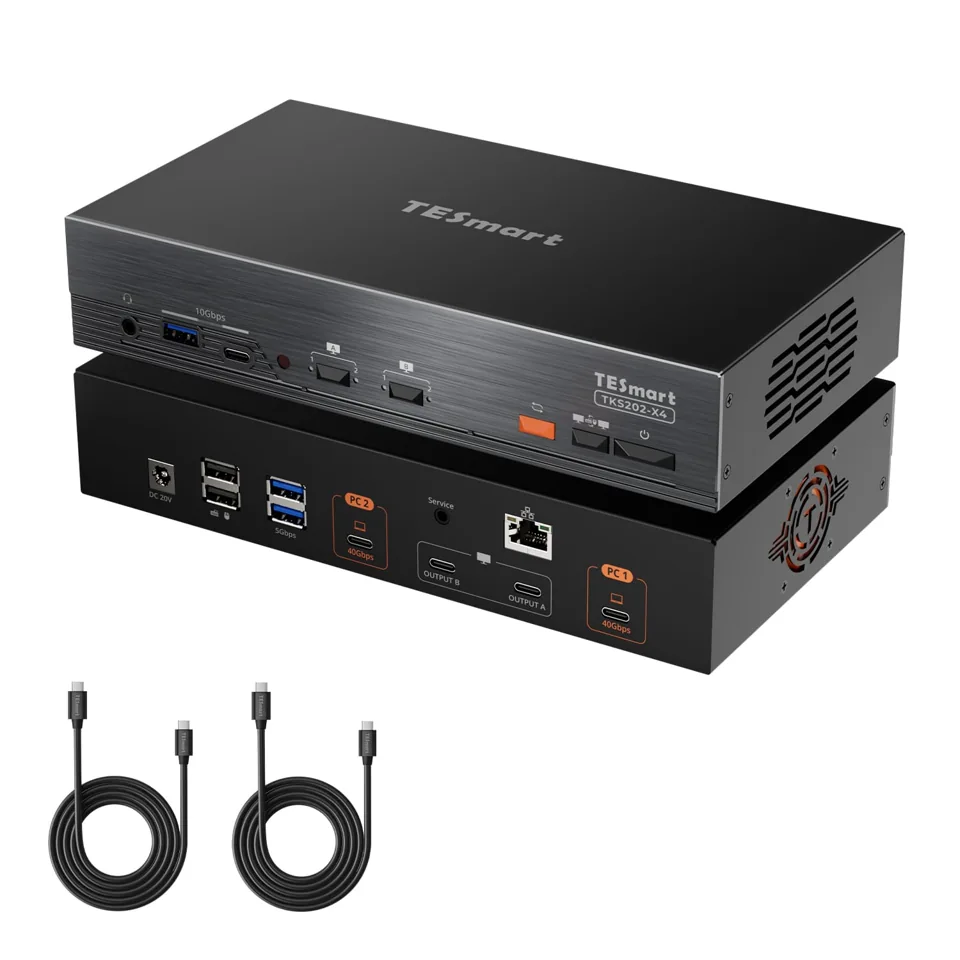
Complete your setup.

Everything you need.
Nothing you don’t.

Start with your switch.
Keep what already works.

Find my connection checklist
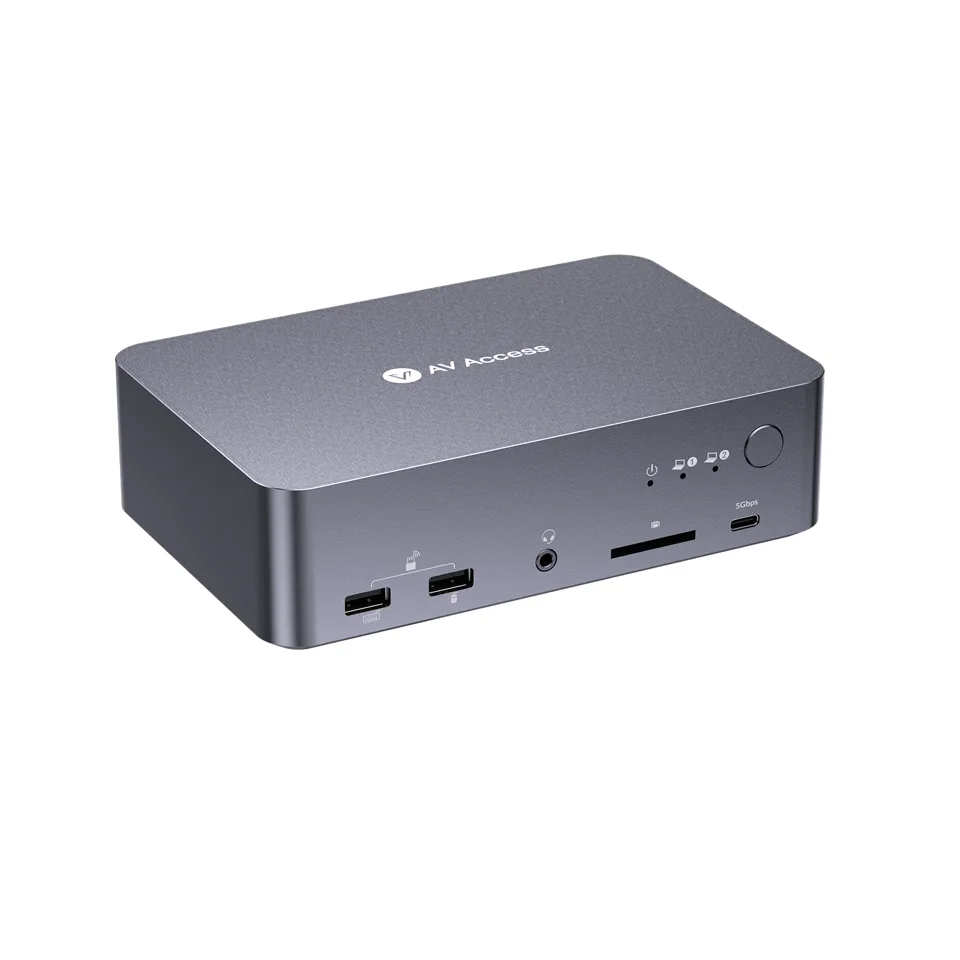
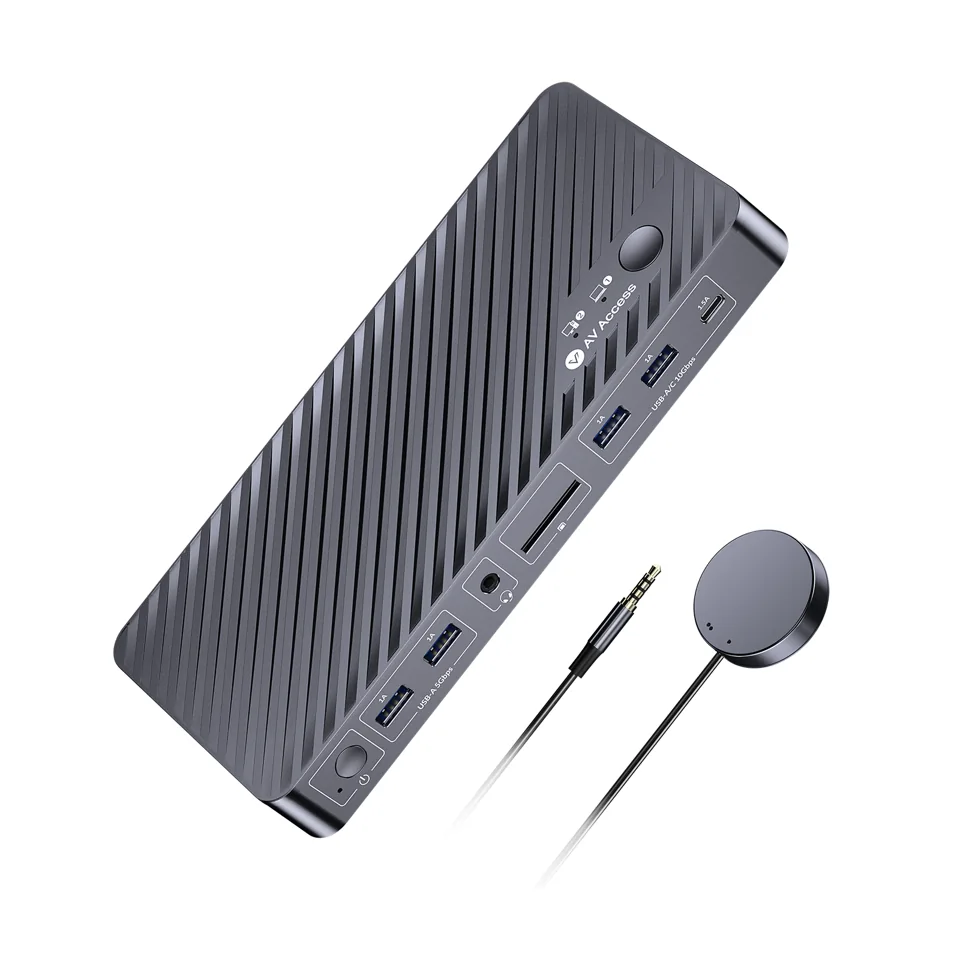
AV Access iDock B12 and wired switch button, one example of a shared-desk KVMConnect. Power. Make room.

A switch only covers part of the desk. Before ordering, count the cables your setup needs, confirm how each computer and screen connects, and list what you already own. Reuse chargers and cables that suit the job. A cable that worked in an old setup does not prove it will work in a new one. Check each official listing for exact package contents, supported modes and connection diagrams.

Required if missingAlready includedOptional upgrade

Build around your needs.

Five things to check.
Not five things to buy.

01

Video and USB cables

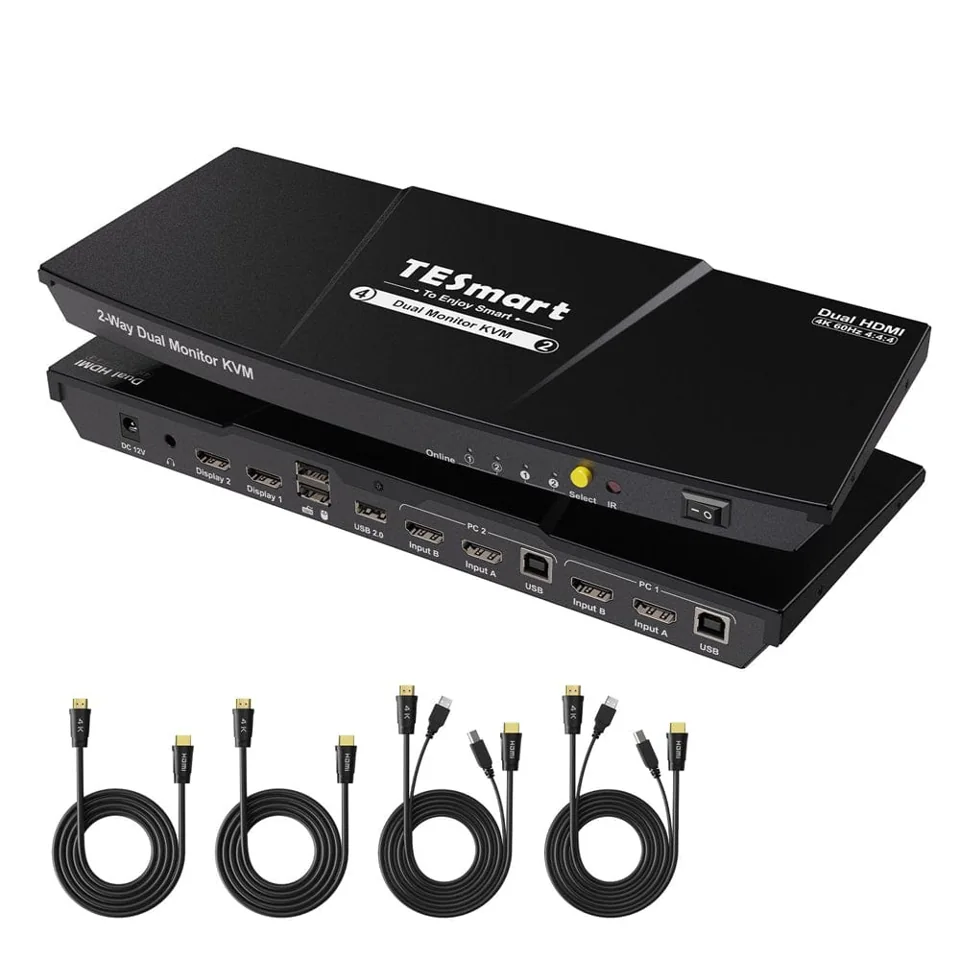
With a conventional HDMI or DisplayPort KVM, count each computer-to-switch video link and each switch-to-screen link. USB-C and Thunderbolt models can use a different connection plan: follow the exact diagram.

When is paying more worth it?

Pay for the documented bandwidth, certification and length your setup needs. A more expensive cable does not add detail to an image that is already transmitted correctly.

Check: Check the connector type at both ends, the display mode you want, and the exact package contents. Do not assume cables are included.
02

Power and laptop charging

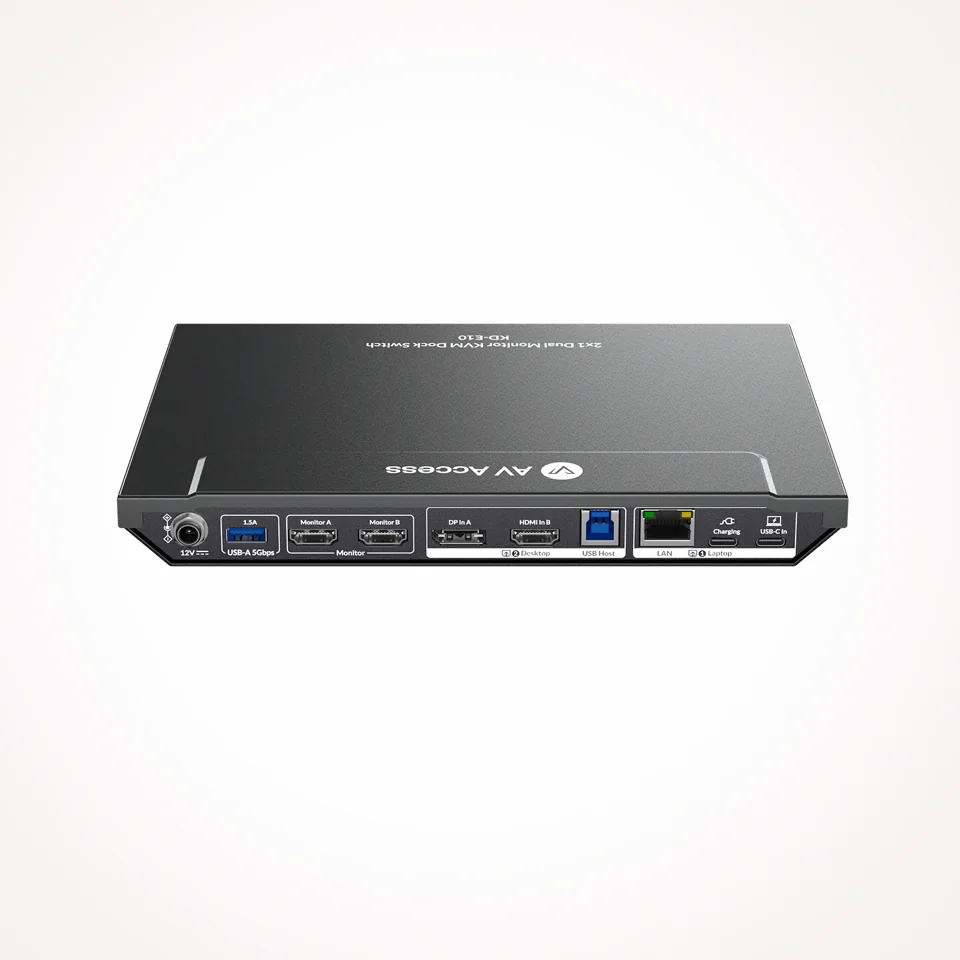
Some switches can charge a laptop over USB-C, but only when they get enough power. On the KD-E10, charging needs a separate suitable power adapter.

When is paying more worth it?

If your current charger meets the requirements on the official listing, keep using it. Buy a new adapter only when the listing calls for one you don't have.

Check: Read the power requirements on the official listing. Do not assume a third-party charger is compatible.

03

Screens and display modes

The switch passes video through, but your screens and computers set the limits. Refresh rate, resolution and the number of external displays all depend on the whole chain.

When is paying more worth it?

Higher-refresh models make sense only if your screens and graphics hardware support those modes. For office work at 60 Hz, a simpler model may cover the need.

Check: Confirm each screen's inputs and supported modes. On a Mac, some USB-C models mirror the two external screens instead of extending them.

04

Keyboard, mouse and docks

Sharing a keyboard and mouse is not the same as switching video. Some models share peripherals over USB 2.0 only, which suits keyboards and mice but not every device.

When is paying more worth it?

A separate dock is conditional. Several laptop models here already act as a dock, so check what the switch provides before adding one.

Check: Check the USB ports and speeds on the listing, and whether your devices need more than USB 2.0.

05

Monitor arms and desk space

Two or three screens take room, and arms can free up desk space. They only fit when the screen and the desk allow it.

When is paying more worth it?

Higher-capacity arms can be useful for heavier or specialist displays. Match the documented load and adjustment range; skip the upgrade if your existing stands already work.

Check: Confirm a VESA mount on each screen, the screen weight without its stand, rear and side clearance, and a desk edge or surface suited to the clamp or grommet.

Make it specific.

Which switch is on your desk?

Open its connection checklist before choosing accessories. These are documentation-based checks, not certified bundles.

Two starting points.

For the connection.
For the power.

These examples serve different needs. Neither is a required upgrade for every KVM.

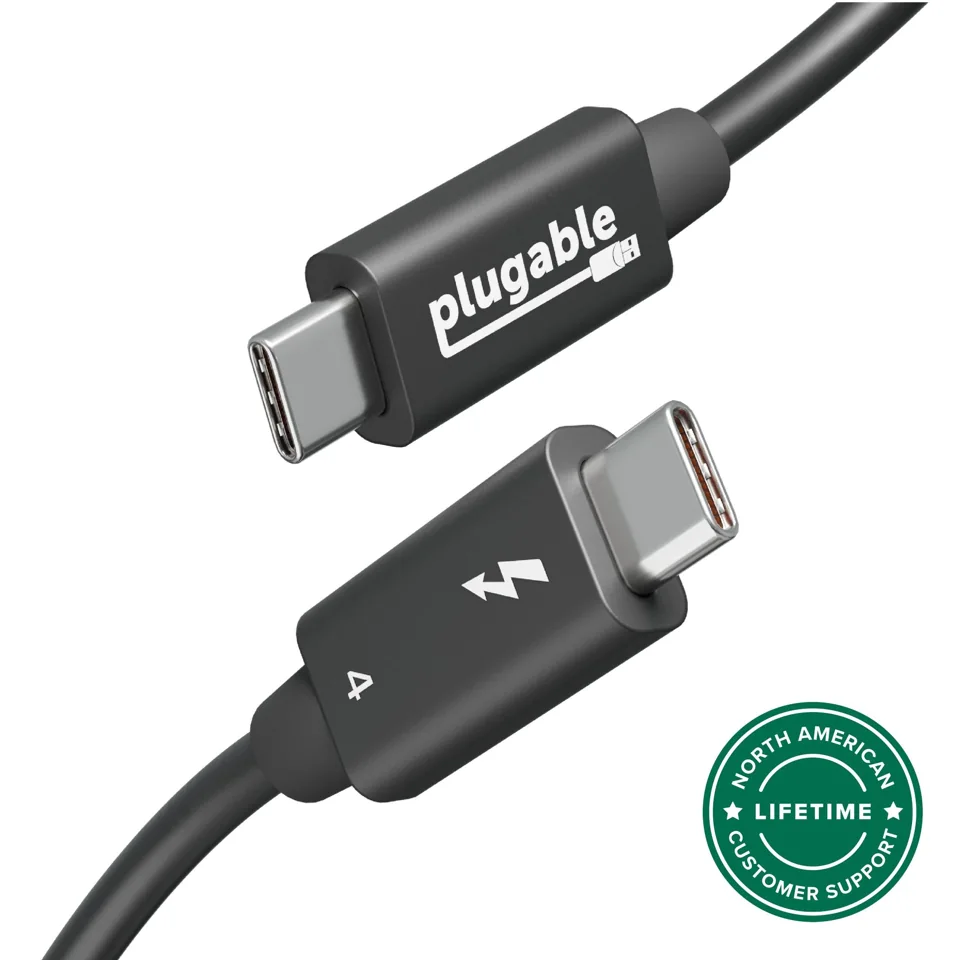
Plugable Thunderbolt 4 240W EPR cable · 1 m
Documented example · check fit

Plugable
Thunderbolt 4 240W EPR cable · 1 m

$34.95 USD · exact listed variant

A documented Thunderbolt cable is worth considering when that protocol and length are required. Its power rating does not increase the power delivered by your computer or switch.

Before you add it

Check the exact host, KVM and display cable requirements. Do not replace a suitable cable already supplied.

Check manufacturer listing
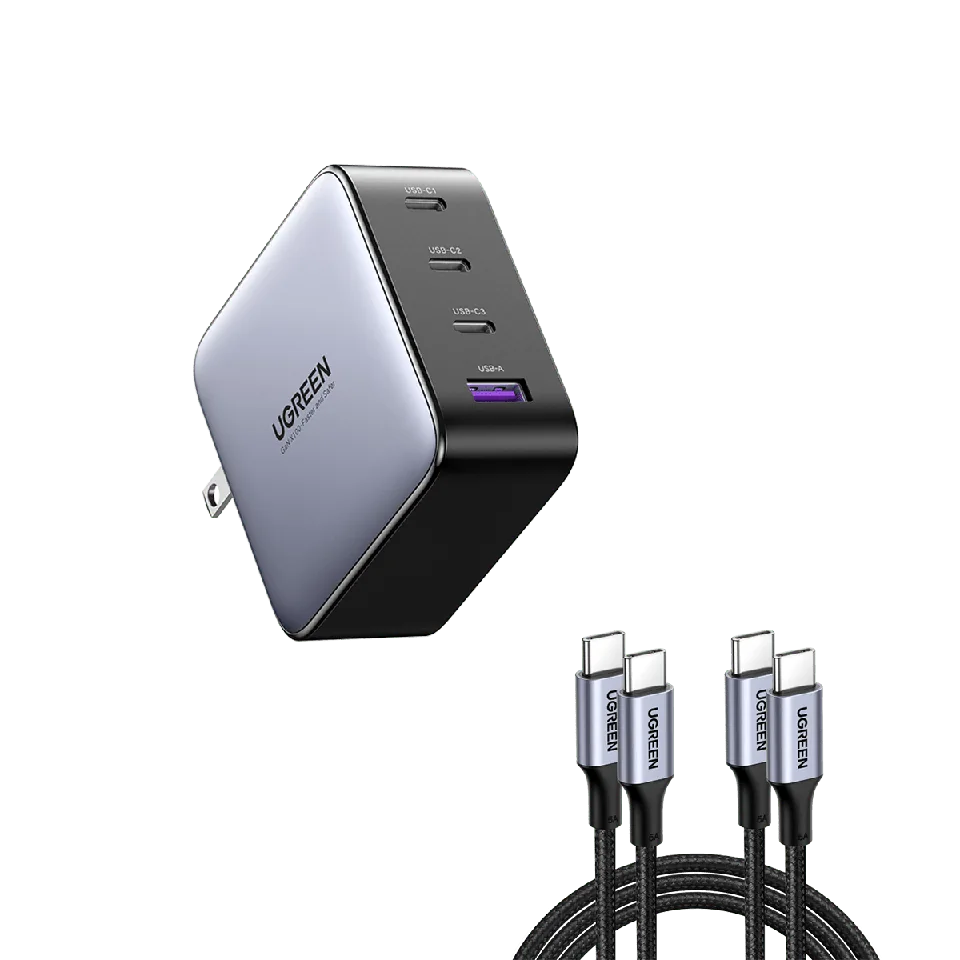
UGREEN Nexode 100W charger + two 3.3 ft USB-C cables
Documented example · check fit

UGREEN
Nexode 100W charger + two 3.3 ft USB-C cables

$59.99 USD · exact listed variant

A multiport charger can reduce the number of adapters on a desk. The bundle only adds value if you need both the charger and these cables.

Before you add it

100W is not available on every port at once. Check port allocation, laptop demand and the KVM’s power requirements. Bundled charging cables are not automatically video cables.

Check manufacturer listing

US manufacturer listings checked November 10, 2026. Prices, stock, shipping and taxes can change. Manufacturer imagery; no hands-on testing or certified KVM pairing. Direct source links, no affiliate tracking.

A clearer connection.

Before you buy the extras.

How many cables do I need to use two screens with two computers?

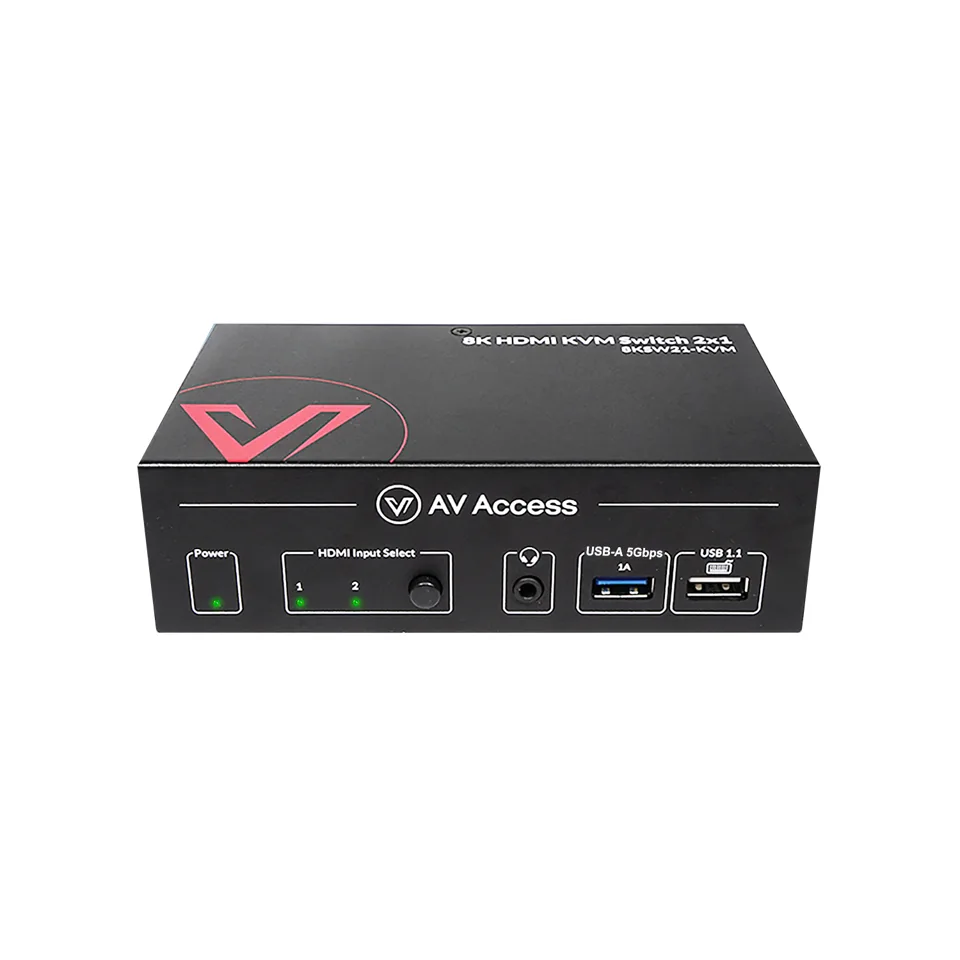
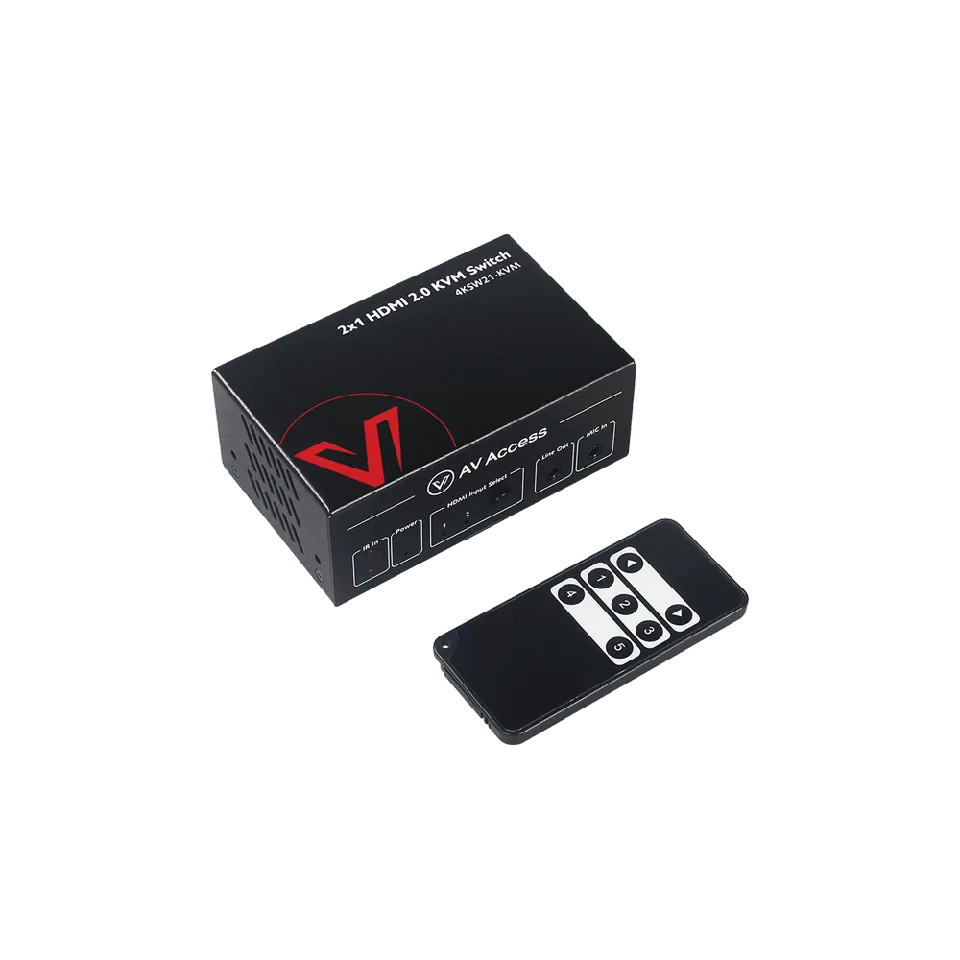
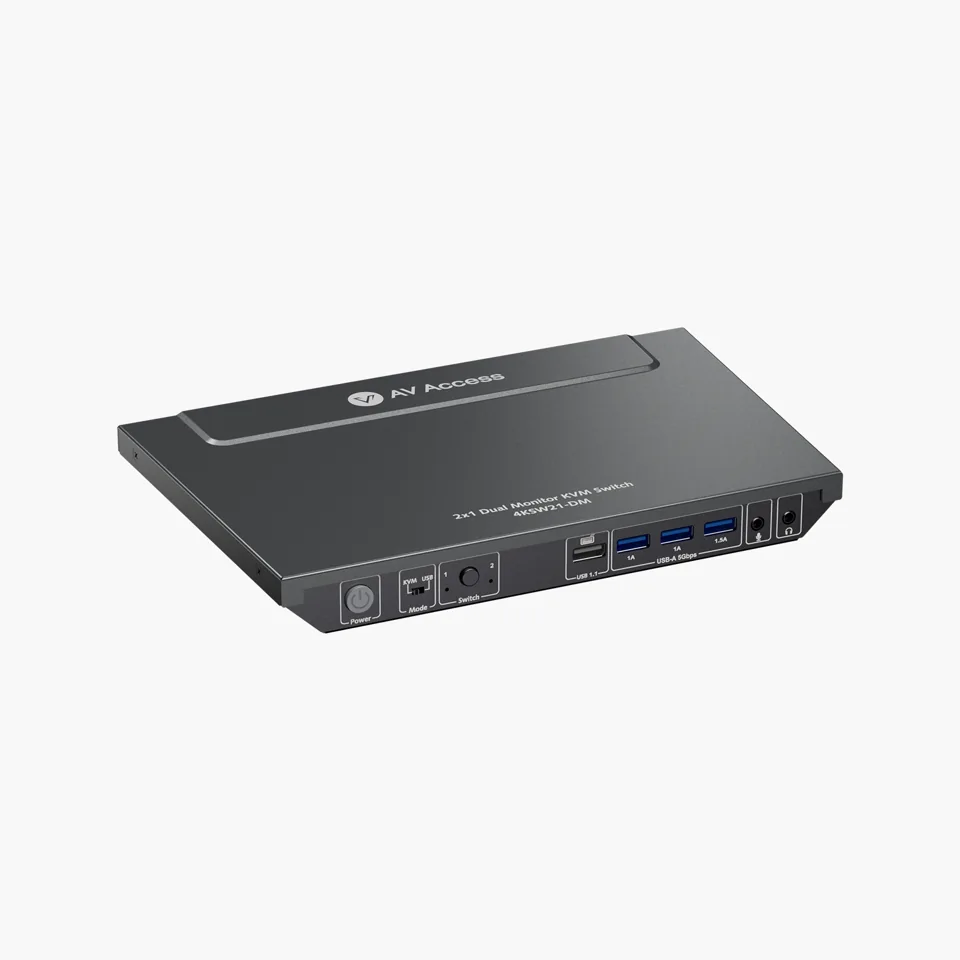
With direct HDMI, each computer sends two HDMI links to the switch and the switch sends one to each screen, so six HDMI video links in total, plus the computer-to-switch USB links for shared peripherals. Subtract suitable cables already owned or included in the selected package. On the AV Access 4KSW21-DM listing, HDMI cables are sold separately and two USB cables are included. For other models, check the exact package contents.

Can I keep my current laptop charger and cables?

Yes, if they meet the requirements on the official listing. A charger or cable that worked before does not prove it will work with a new switch. The KD-E10 needs a separate suitable power adapter for its advertised laptop charging. Don't assume a third-party charger qualifies.

Sources: avaccess.com
Why might my Mac show the same image on both external screens?

Some USB-C models use MST for two external screens, and macOS mirrors those screens instead of extending them. The manufacturer states this for the KD-E10, the iDock C20 and the laptop path of the iDock B12. Check the listing if you need two separate desktops on a Mac.

Will any USB-C cable work with a Thunderbolt switch?

No. A Thunderbolt switch needs the exact combination of computer, screen and cable that the manufacturer supports. Check your computer's external-display limit and the full connection diagram on the listing before you buy anything else.

Your setup, decoded.

Your shortlist.

See what changes.

Swipe horizontally on small screens.

US price snapshot: November 10, 2026. Final prices and availability belong to the seller. Feature-based guidance, not a hands-on verdict.